
How to Set Up Silent Keynote Audio
A keynote starts, the room looks full, and half the audience still cannot hear the first sentence over expo traffic, side conversations, and the stage next door. That is usually the moment planners start asking how to set up silent keynote audio instead of relying on the venue PA alone. If the goal is clear delivery in a noisy or shared environment, a closed-circuit listening system gives you far more control than speakers pointed into a crowded room.
Silent keynote audio is straightforward when the system is designed around the space, the audience, and the way the session will actually run. The biggest mistakes happen when teams treat it like a simple headset rental instead of a live event audio workflow. You are not just handing out receivers. You are building a controlled listening experience that has to work from cue to Q and A.
What silent keynote audio actually solves
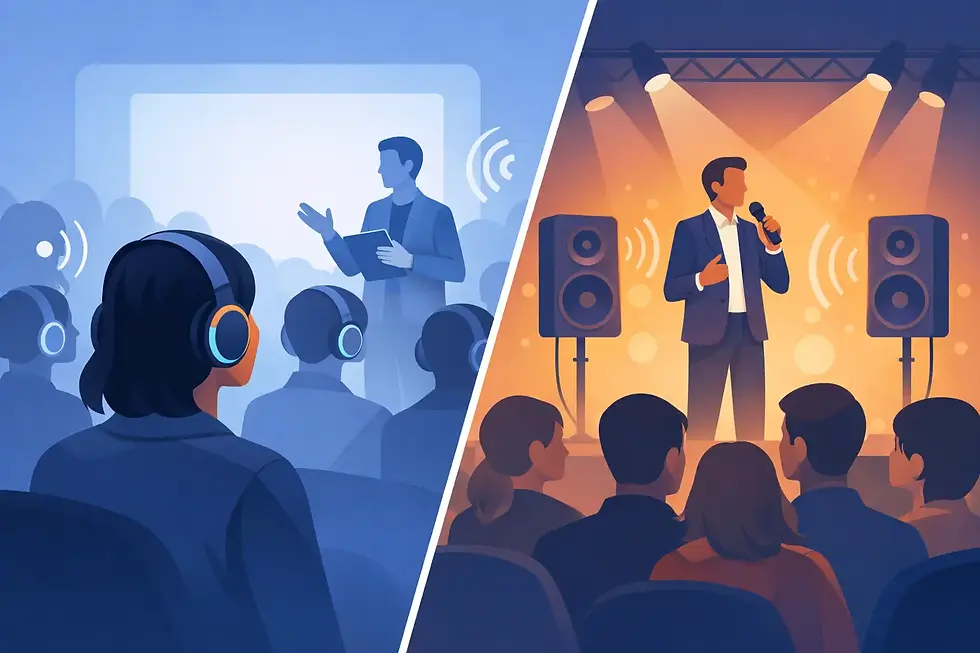
A silent keynote setup sends the presenter audio directly to attendees through wireless headsets or receivers rather than depending on room speakers as the primary listening path. That matters in trade shows, general sessions built on active floors, outdoor brand activations, and venues with multiple presentations happening at once.
The benefit is not just lower ambient noise. It is message control. Attendees hear the presenter clearly at a comfortable level, nearby booths are not disrupted, and organizers do not need to fight the acoustics of a difficult room. It also helps when you need multilingual feeds, assisted listening support, or separate channels for breakout content.
How to set up silent keynote audio the right way
The best setup starts with three decisions: how the presenter will be miked, how audio will be mixed, and how attendees will receive it. Everything else builds from there.
Start with the presenter signal path
Your keynote audio needs a clean source before it ever reaches a headset. In most cases, that means a lavalier or headset mic on the speaker, backed by a handheld option for audience questions or moderator use. If keynote content includes video playback, walk-on music, remote contributors, or interpretation, those sources also need to be part of the same mix plan.
Do not send raw sources straight into the silent listening transmitter unless the session is extremely simple. A mixer gives you control over mic gain, playback levels, EQ, and backups. It also lets you feed a recording device, a streaming encoder, or a local speaker system if the event needs more than one output.
Match the listening hardware to the audience
There are two common approaches. One uses all-in-one wireless headsets with built-in channel selection. The other uses bodypack receivers with headphones or earbuds. Both can work well, but the right choice depends on event flow.
All-in-one headsets are fast for attendee pickup and easy for staff to manage. They are a strong fit for trade show keynotes, guided audience zones, and branded activations where simplicity matters. Receiver-based systems give you more flexibility for assisted listening, branded headphone options, and multi-language routing. They can also be easier to sanitize and redeploy at scale, depending on the model.
If your audience will be seated for a formal keynote, comfort matters more than speed. If they will be moving in and out of a presentation zone, fast distribution and collection matter more. That trade-off affects staffing, battery planning, and turnover time.
Build around channel planning, not guesswork
If the keynote is the only audio program, a single channel may be enough. But many silent event environments need more than one feed. You may need an English channel, a Spanish channel, and a house channel for overflow. You may also have separate channels for different stages operating close together.
This is where system design matters. Channel count, frequency coordination, range requirements, and interference risks should be decided before load-in. Nearby wireless mics, venue RF conditions, LED walls, and neighboring exhibitors can all affect performance. A good silent keynote setup feels simple to the attendee because the complexity was handled upstream.
Venue factors that change the setup
No two event spaces behave the same way. A ballroom with soft finishes is one thing. An expo hall with concrete floors and open ceilings is another.
In a trade show hall
Silent keynote audio is often the best answer when the stage sits on an active floor. Speaker coverage alone usually creates bleed, complaints from neighboring exhibitors, and poor intelligibility beyond the first few rows. Here, the silent system should be the primary listening path, with minimal local reinforcement for stage presence if needed.
In a conference venue
A keynote in a conference venue may still benefit from silent listening if there are divisible rooms, breakout overlap, or multilingual requirements. In these cases, the system can complement the house PA instead of replacing it entirely. That hybrid approach works well when some attendees need headsets while others remain on open sound.
Outdoors or in retail activations
Wind, traffic, and changing crowd patterns make conventional speech reinforcement unpredictable. Silent keynote audio gives you consistency, but distribution logistics become more important. You need a clear pickup point, staff direction, and a plan for reissuing units as the crowd shifts.
The operational side most teams overlook
The hardware is only half the job. Distribution, support, and recovery are what keep the keynote from slowing down audience entry or creating confusion.
Headset check-in and attendee flow
Decide where attendees will receive their headsets before they reach the keynote area. If pickup happens at the entrance, you need enough staff and enough charged inventory to avoid lines. If units are placed on seats, you need a collection plan immediately after the session. For high-volume events, scanning or counted issue-and-return procedures help prevent losses.
Battery management and redundancy
Silent listening systems are only dependable if power is managed tightly. Every unit should be charged, tested, and staged before doors open. Spare inventory should be close by, not in a back office across the venue. The same applies to transmitters, mixers, cabling, and presenter mics. A keynote is not the place to discover that one weak battery takes out an important channel.
Staff support during the session
Even a well-designed system needs live oversight. Someone should monitor transmitter status, listen to the attendee feed, watch presenter mic health, and respond if a guest has trouble selecting a channel or hearing properly. This is especially important for high-profile speakers, investor events, and brand presentations where every minute matters.
Common setup mistakes and how to avoid them
The most common mistake is treating the silent audio feed as separate from the event audio plan. It should be integrated from the start, with clear ownership of inputs, outputs, backups, and show flow.
Another mistake is underestimating quantity. If attendance is uncertain, teams sometimes order too few receivers and assume sharing will work. It rarely does. If the keynote is a key attraction, capacity should reflect realistic peak demand, not just registration estimates.
Poor signage is another avoidable issue. Attendees need to know where to pick up a headset, which channel to use, and where to return equipment. If the event includes multiple silent sessions, the instructions have to be obvious from a distance.
Finally, some planners focus only on the audience side and forget the presenter experience. Speakers still need confidence monitors, cueing, and a stable microphone setup. A silent audience does not remove the need for professional show support.
When to bring in a specialist
If your event has one speaker, one channel, and a controlled room, an in-house AV team may be able to manage it. But once you add expo noise, multiple channels, audience scale, interpretation, or fast-turn keynote scheduling, the setup becomes more specialized.
That is where a provider focused on closed-circuit event audio can save time and reduce risk. Your Event Audio works with planners who need clear, customized delivery in noisy and high-distraction spaces, not just generic equipment on a table. The right partner helps map the audience journey, spec the right listening units, coordinate RF, and support the session live so your team is not troubleshooting during showtime.
A practical setup standard to aim for
A strong silent keynote audio setup usually includes a professional presenter mic, a small mixer, a coordinated wireless transmission system, properly matched attendee listening units, spare inventory, staffed distribution, and live monitoring throughout the session. In some events, you may also want local PA fill, recording, interpretation channels, or assistive listening integration.
That may sound like more than a basic headset deployment, and it is. But that is also why it works. The audience hears the message clearly, the venue stays controlled, and the keynote feels intentional rather than improvised.
If you are planning a keynote in a busy hall, a multi-use venue, or any environment where standard speakers will struggle, start with the listening experience you want the audience to have. Once that is defined, the right silent audio setup becomes much easier to build.


Comments